
Connect Amazon Seller Central to Unified
May 13, 2026
What this integration covers
| Area | Unified objects | Typical use |
|---|---|---|
| E‑Commerce | commerce_item, commerce_collection, commerce_inventory, commerce_saleschannel | Catalog, product types, FBA inventory summaries, marketplace participation |
| Accounting | commerce_account, accounting_salesorder, accounting_contact | Orders and related account/contact style data from SP-API |
| Metadata | metadata_metadata | Custom / structured metadata mapping where supported |
| Exact read/write support follows your workspace permissions and the integration's object support matrix in the Unified app. |
Prerequisites (Amazon side)
- Active Seller Central account for the marketplaces you care about.
- SP-API developer registration — create and configure a Selling Partner API application in the Amazon developer / SP-API flow. Please follow this guide: https://developer-docs.amazon.com/sp-api/docs/registering-your-application
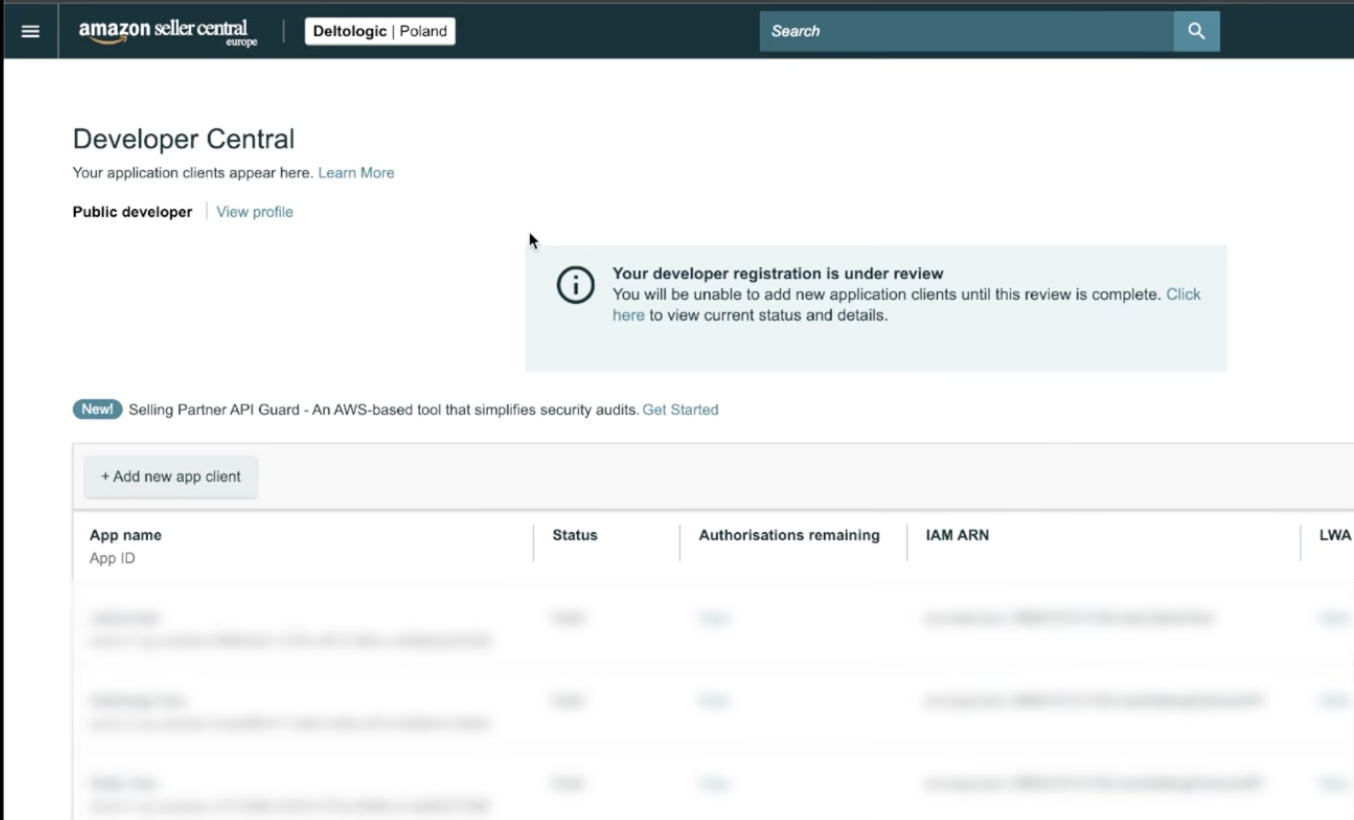
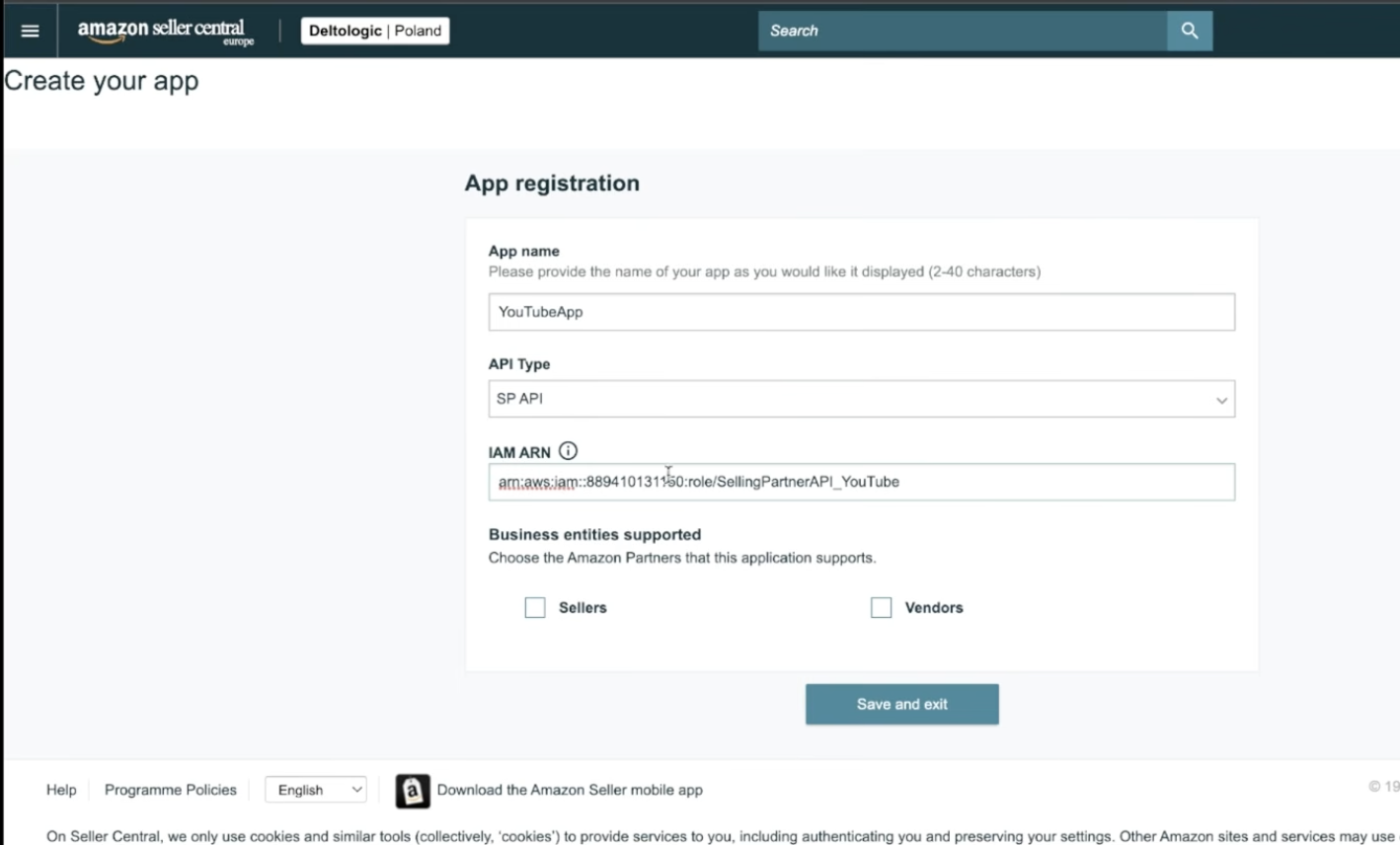
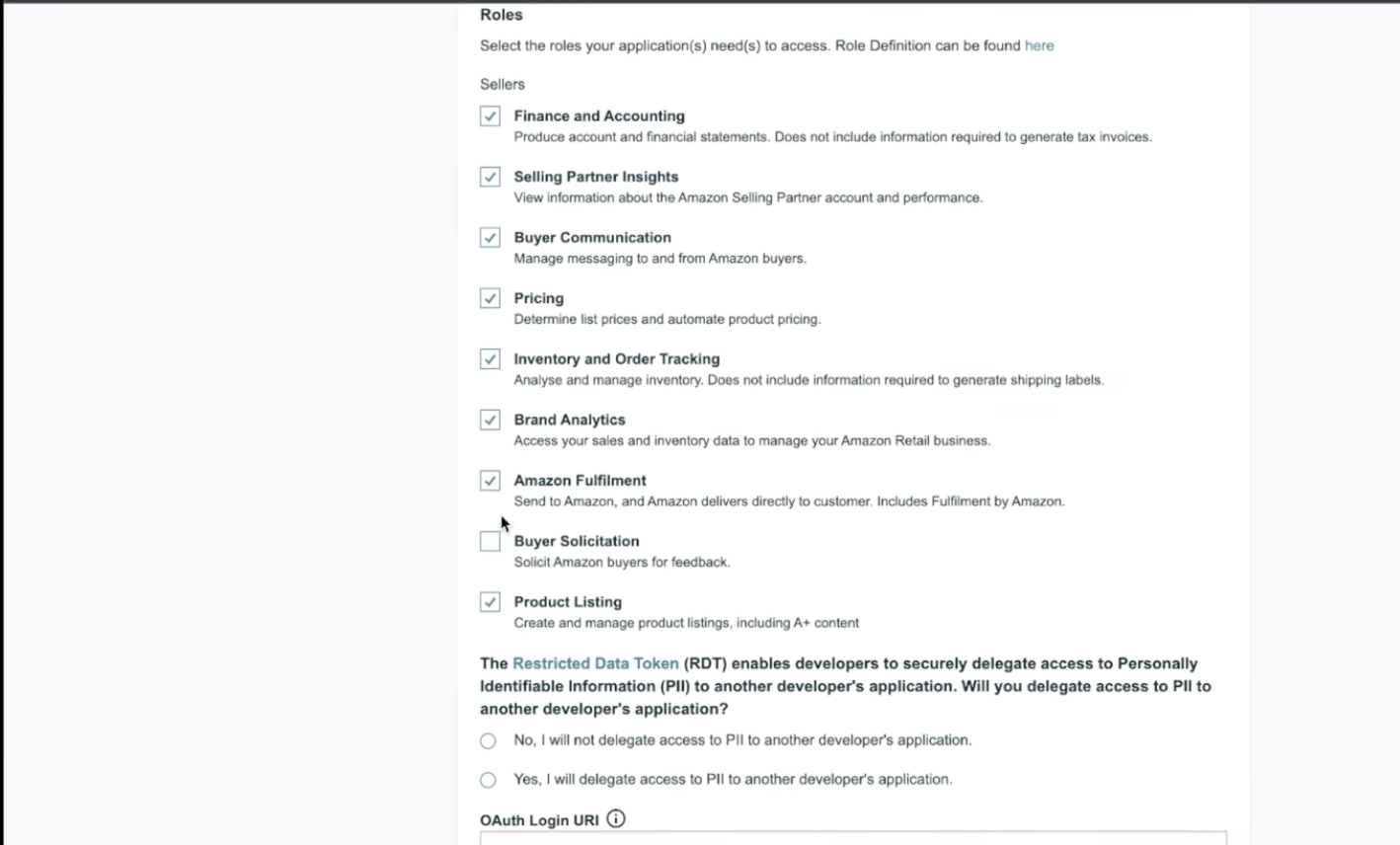
Put the redirect_url as shown here: https://app.unified.to/integrations/amazonsellercentral?tab=oauth2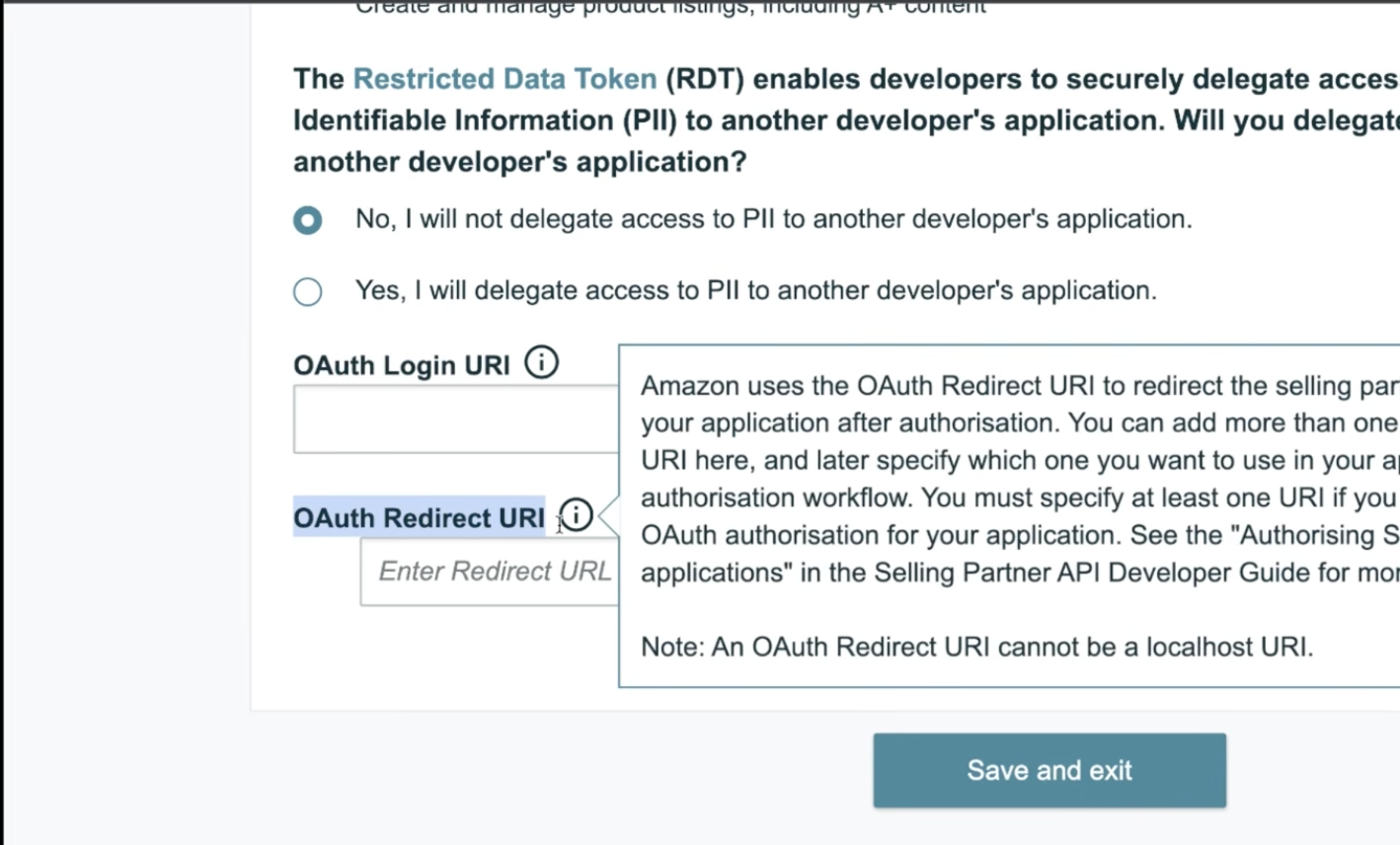
- LWA (Login with Amazon) security profile linked to that application so you obtain:
- LWA Client ID
- LWA Client Secret
- Marketplace ID(s) for each marketplace (e.g. US). Reference: Marketplace IDs.
- Correct region for the SP-API endpoint you will use (see below).
NOTE: Amazon's SP-API documentation also describes IAM users/roles and request signing for many operations. Follow Amazon's current SP-API onboarding for your app (including any IAM / signing requirements Amazon still enforces for certain endpoints). If calls fail with auth errors, verify the app's SP-API roles and Amazon's latest auth requirements.
Choose the SP-API region (must match your selling region)
When connecting, pick the environment that matches where you sell (this selects authorize URL and SP-API base URL):
| Region | Host |
|---|---|
| North America | Seller Central host : .com |
| Europe | Seller Central host : .co.uk |
| Far East | Seller Central host : .co.jp |
Connect in Unified (step-by-step)
- Open Integrations (or your product's connection UI) and activate Amazon Seller Central.
- Enter OAuth app credentials from Amazon (LWA Client ID and Client Secret) in the fields your Unified workspace uses for this integration (same pattern as other OAuth2 apps).
- Set Marketplace ID in the field Unified uses as the developer / connection key for this integration (labeled as Marketplace ID in vendor config).
- Select the correct regional URL (North America vs Europe vs Far East) so authorize and API hosts align with your seller account.
- Start OAuth — you will be sent to Seller Central to approve the app (/apps/authorize/consent).
Sandbox
Amazon documents an SP-API sandbox: https://app.unified.to/integrations/amazonsellercentral?tab=partnership Use it if you are testing before production seller data.