
How to get your ADP Workforce Now Oauth2 client ID, Oauth2 client secret, Oauth2 PEM certificate and Oauth2 private key: Step-by-step guide
April 24, 2023
When connecting ADP Workforce Now to other platforms, authentication requires a Oauth2 client ID, Oauth2 client secret, Oauth2 PEM certificate and Oauth2 private key.
Follow these step-by-step instructions to generate one from your ADP Workforce Now account, or provide them to your customers if they need to connect their account.
- Log into your ADP account and access the ADP API Central portal. You will need the paid
ADP API Centralapplication. - Select a project or create a new project
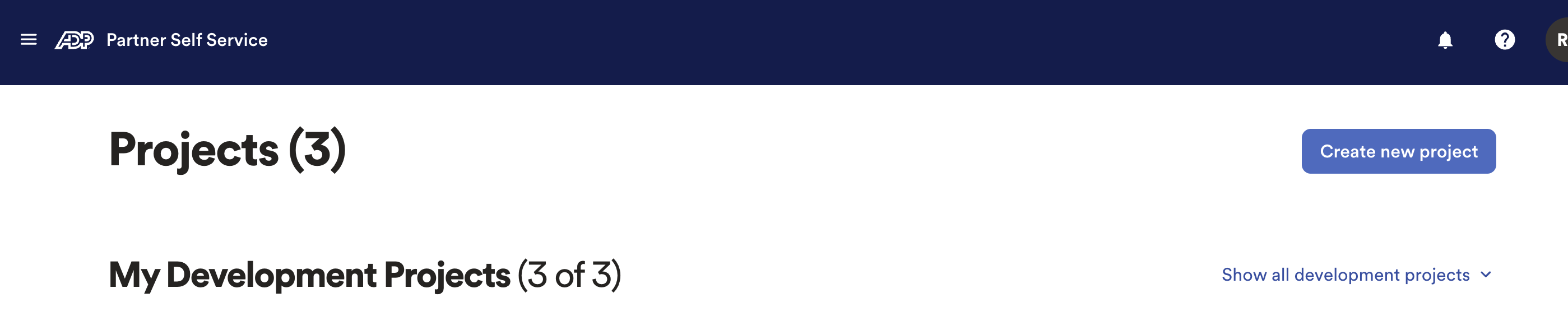
- Enter the project details.
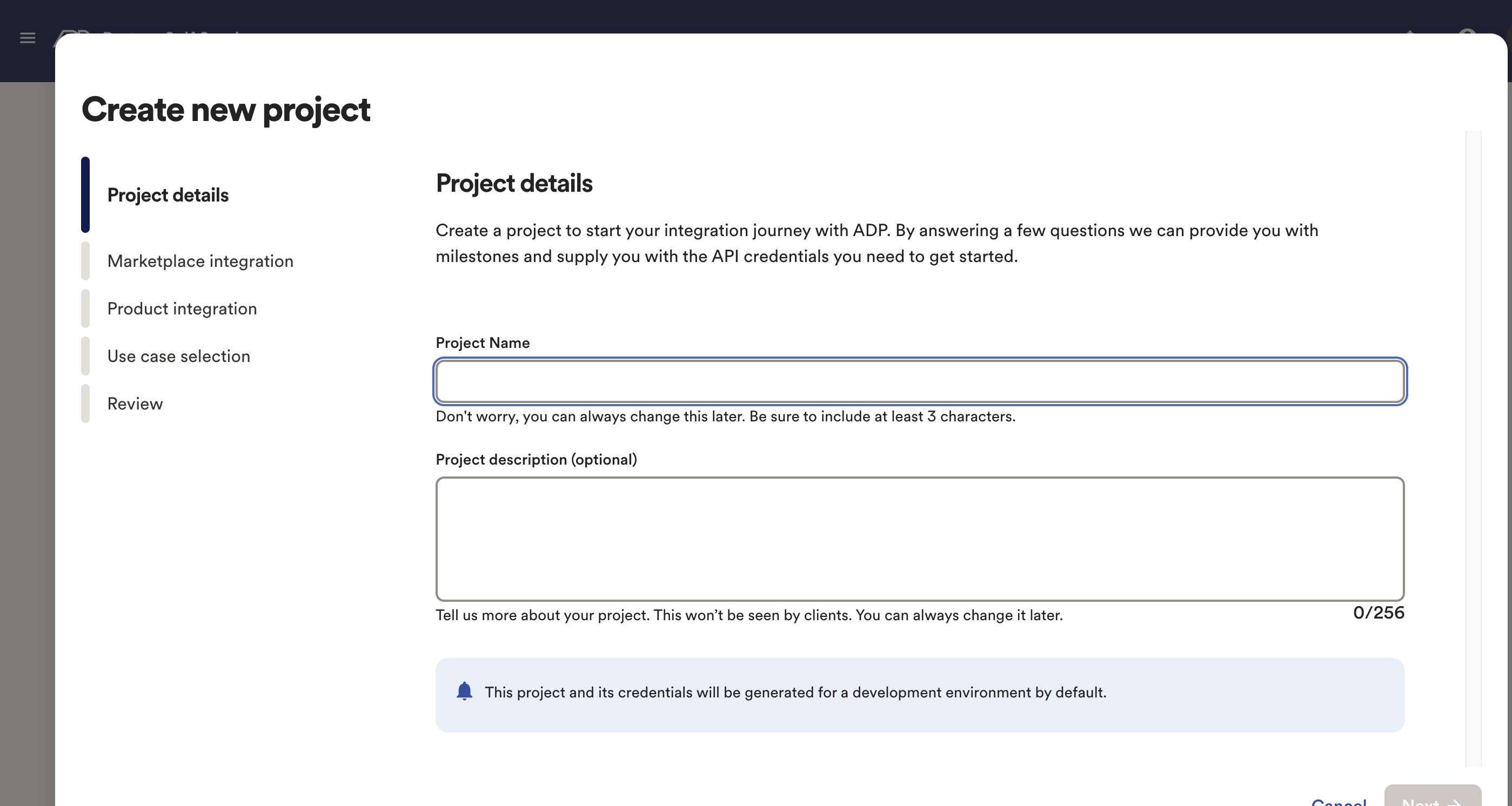
- Select domain
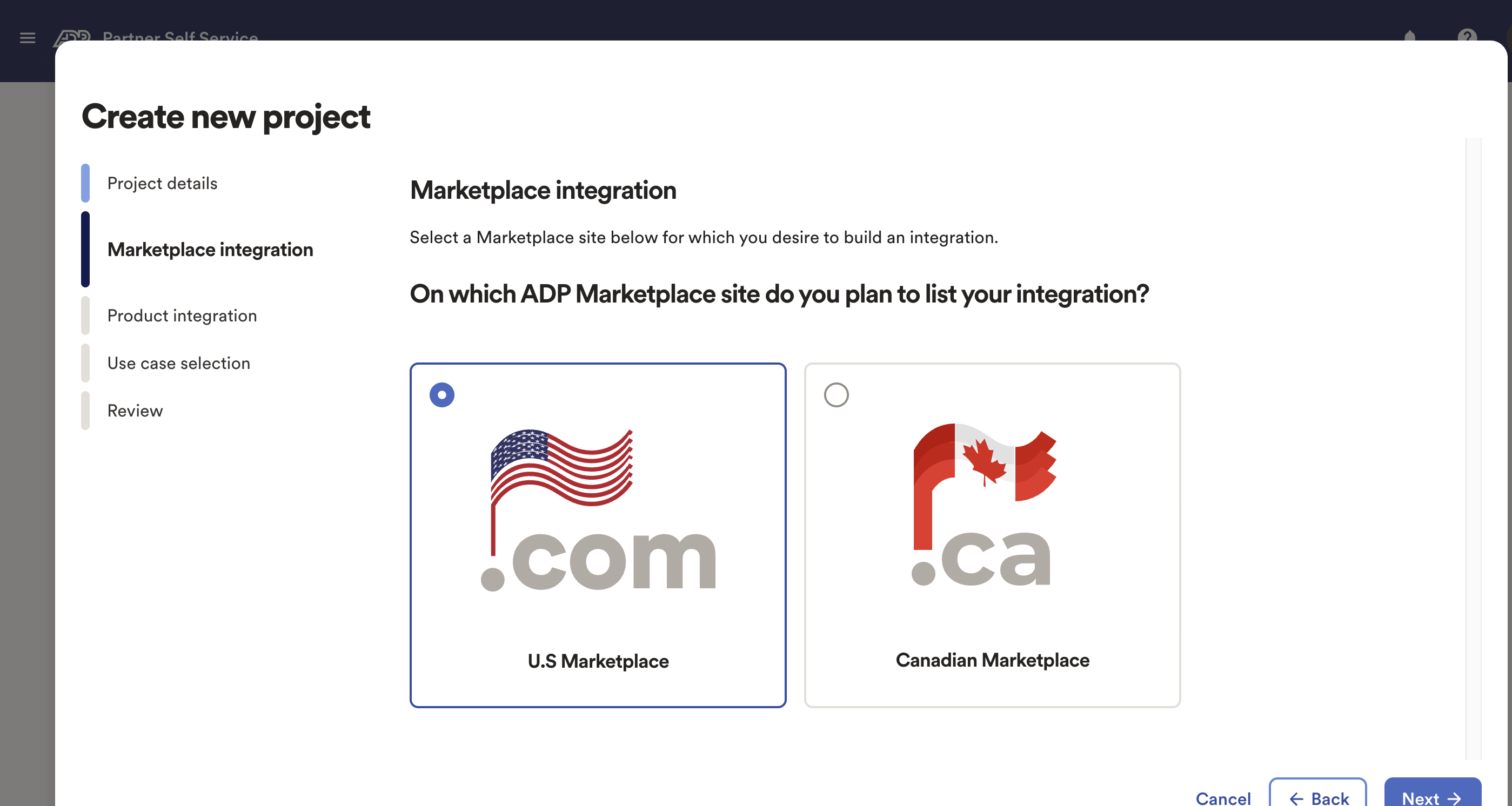
- Inside the Production integration Page, select the most suitable option for you.
- After creating a new Project, select Development Credentials

- This page will Provide the Client ID, Secret Key and Certificates
- Select Manage Certificate to generate Certificate
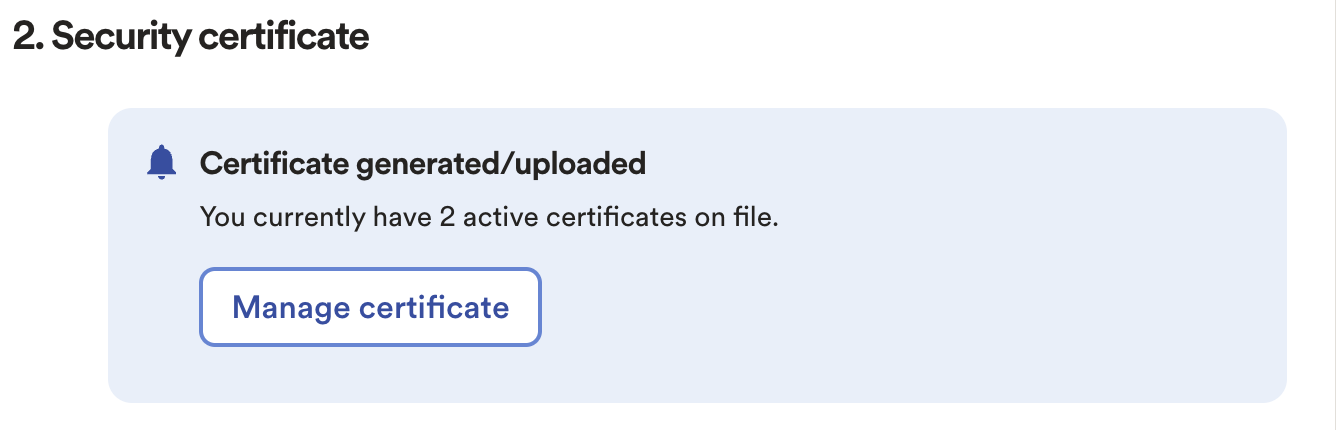
- Fill out the form, which will provide the PEM Key required to create a connection.
- The processing time for the certificate is few minutes. Generated Certificate will be required to create a connection.
- If asked, select
apipermission.
For Unified, you need to have access to the following APIS for your App:
- Job Applications API
- Job Applicants API
- Job Requisitions API
- Client Data - Validation Tables API
- Worker Leaves API
- Worker API
To add the API to your application scope, contact your ADP representative. Make sure you provide the following:
- Organization name
- Application name
- List of APIs to be added
Generating a ADP Workforce Now Oauth2 client ID, Oauth2 client secret, Oauth2 PEM certificate and Oauth2 private key is the first step. The harder part is building pipelines that stay reliable as customers add more systems.
Unified.to gives you options: deliver data via API, streaming webhooks, database sync, or even as MCP tools for AI agents. One integration layer that adapts to your architecture instead of forcing tradeoffs.
Book a demo to see how we simplify integration delivery across 463 integrations and 27 categories.